
Add to Home Screen
Add Shiori to your phone's home screen for a beautiful, more focused experience.
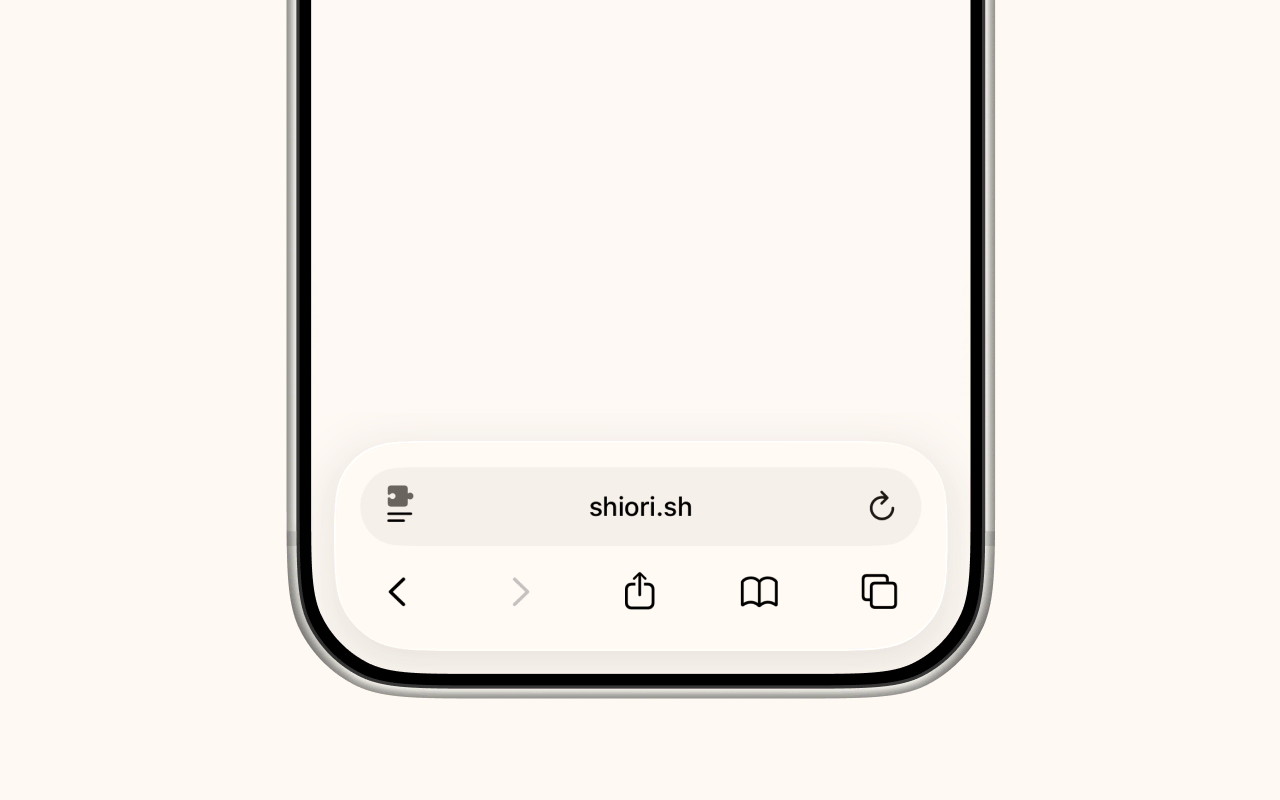
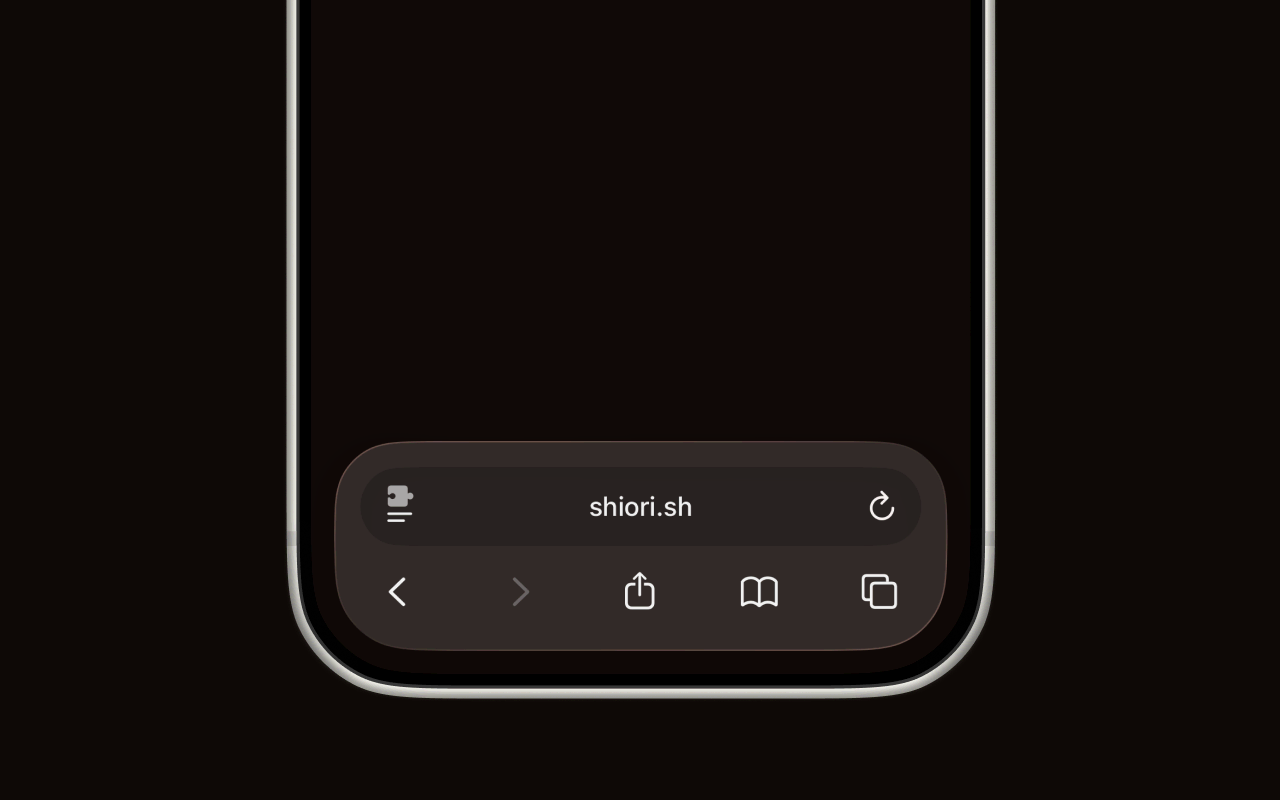
1. Tap the Share button
Open shiori.sh in Safari and sign in. Then tap the Share button in the toolbar at the bottom of the screen.
2. Tap Add to Home Screen
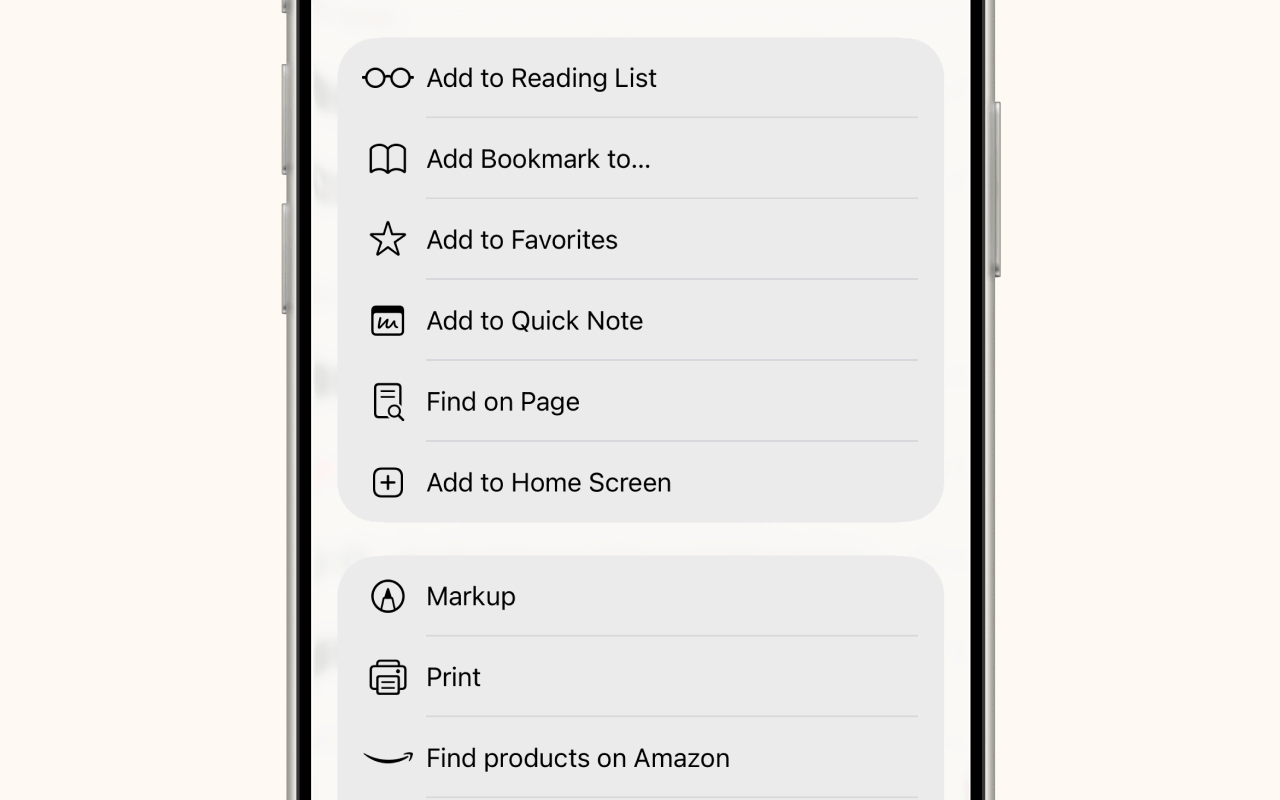
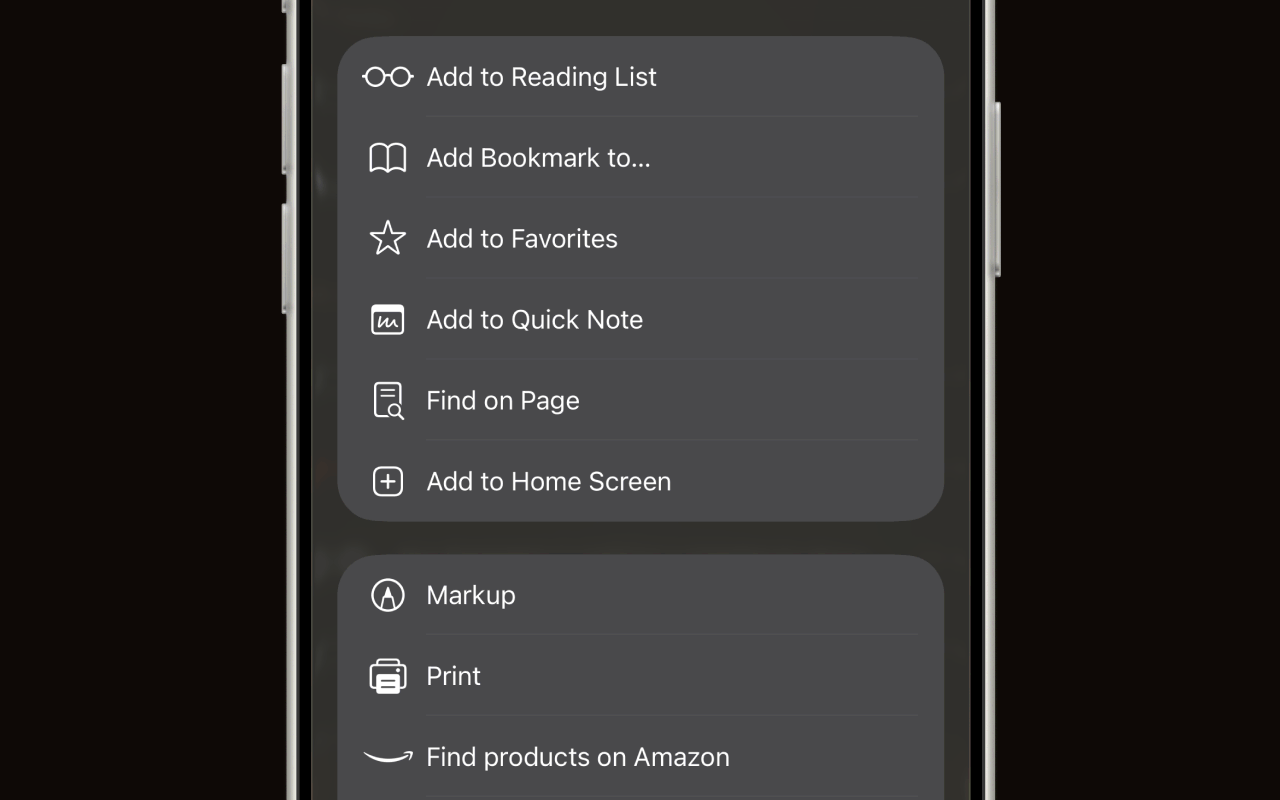
Scroll down in the share sheet and tap Add to Home Screen.
3. Tap Add
Confirm that you're saving shiori.sh/home — if you see another URL here, refresh the page and start fresh. Make sure the Open as Web App toggle is turned on — this lets Shiori run in its own full-screen window without Safari's address bar or tabs. Tap Add to finish.
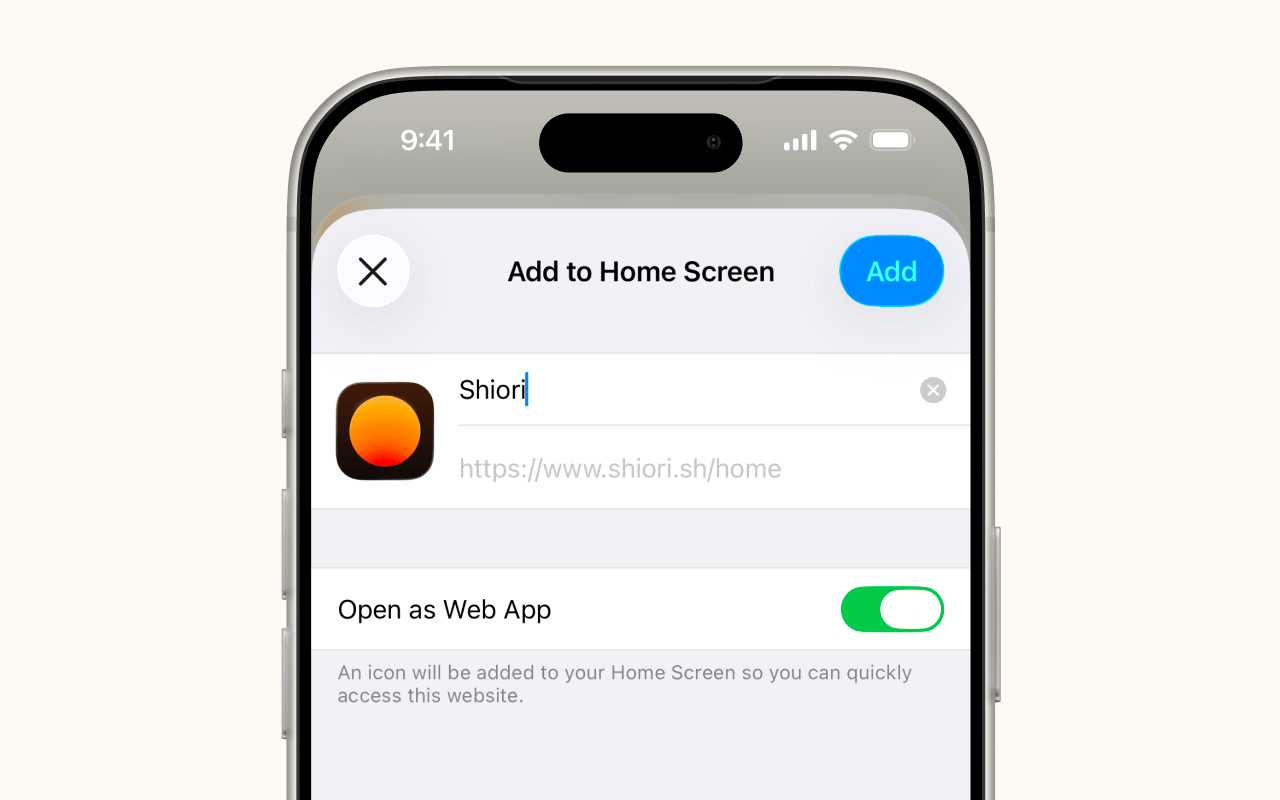
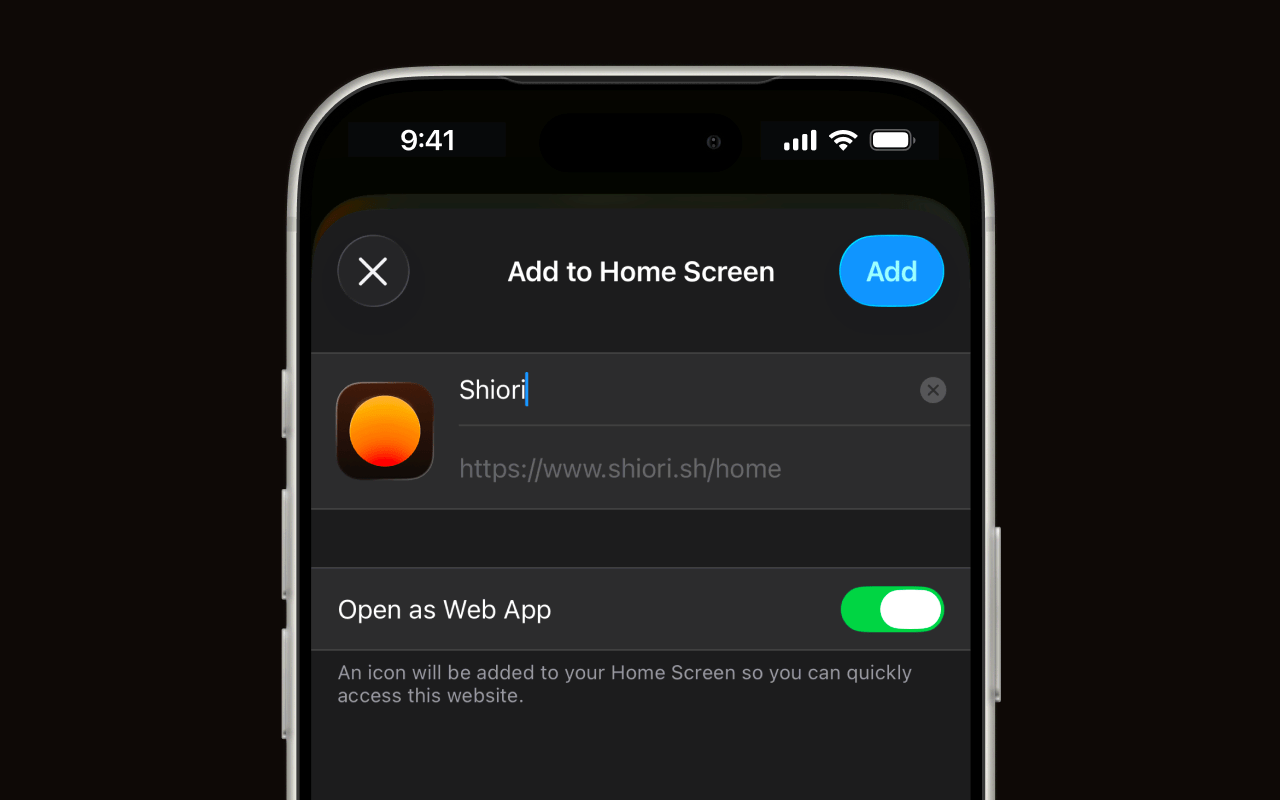
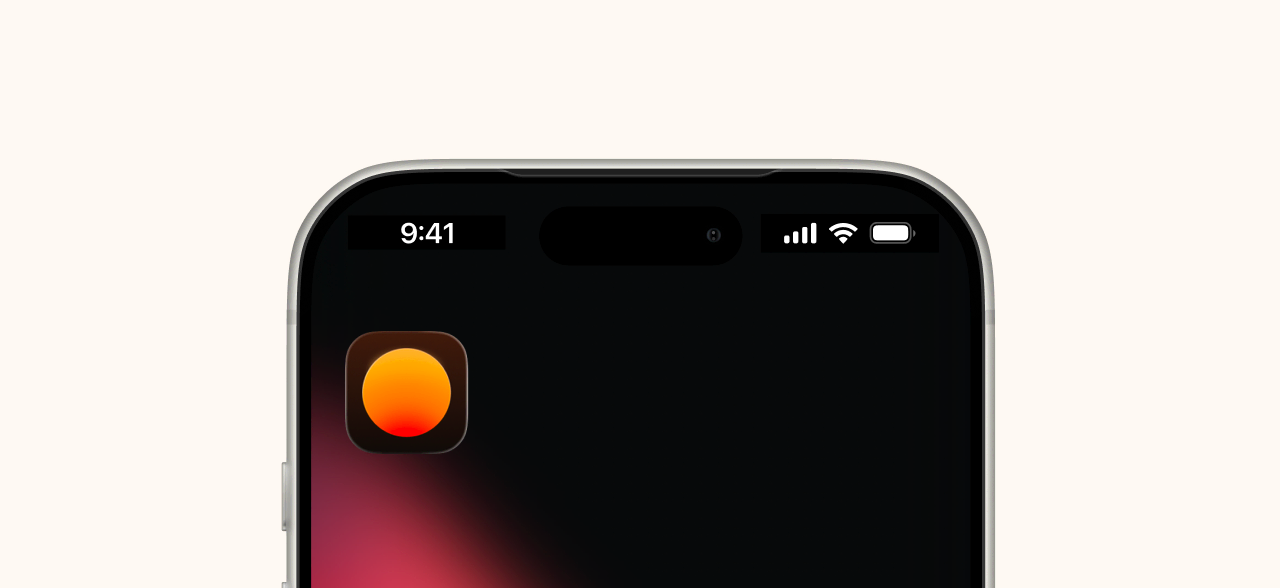
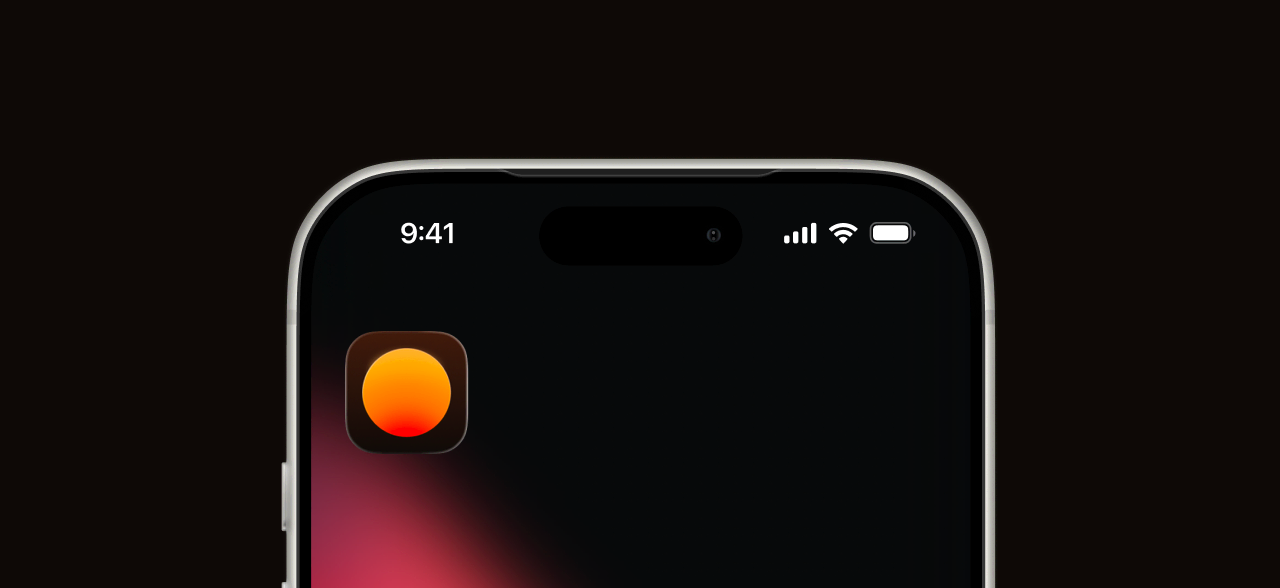
That's it — Shiori will appear on your home screen as an app icon.
Android
The same idea works on Android. Open shiori.sh in Chrome, tap the three-dot menu, then tap Add to Home screen (or Install app if prompted). The Shiori icon will appear on your home screen and open in standalone mode.